
Every room, one feed
A single camera and microphone stream live into every space where an audience actually is — no one left watching a silent screen because a big crowd spilled into a second room.
The same live-broadcast technology already running school concerts and virtual excursions across the Squirrel Wisdom family — multi-room streaming, remote and VR attendance, and a direct line to parents through the messenger they already use.
This isn't a conferencing app bolted onto a school event — it's the broadcast infrastructure already carrying real concerts and excursions, extended to reach an audience larger and more scattered than one room can hold.
A single camera and microphone stream live into every space where an audience actually is — no one left watching a silent screen because a big crowd spilled into a second room.
A standing broadcast room carries the same event to anyone attending from outside the building — a parent at work, a grandparent overseas, a whole other campus.
Real-world locations can be turned into an explorable 360° panorama — a genuine virtual field trip, not a slideshow, for the places a bus can't easily reach.
The same live stream can appear as a live call inside the school's own messenger groups — parents get it exactly where they already talk to the school.
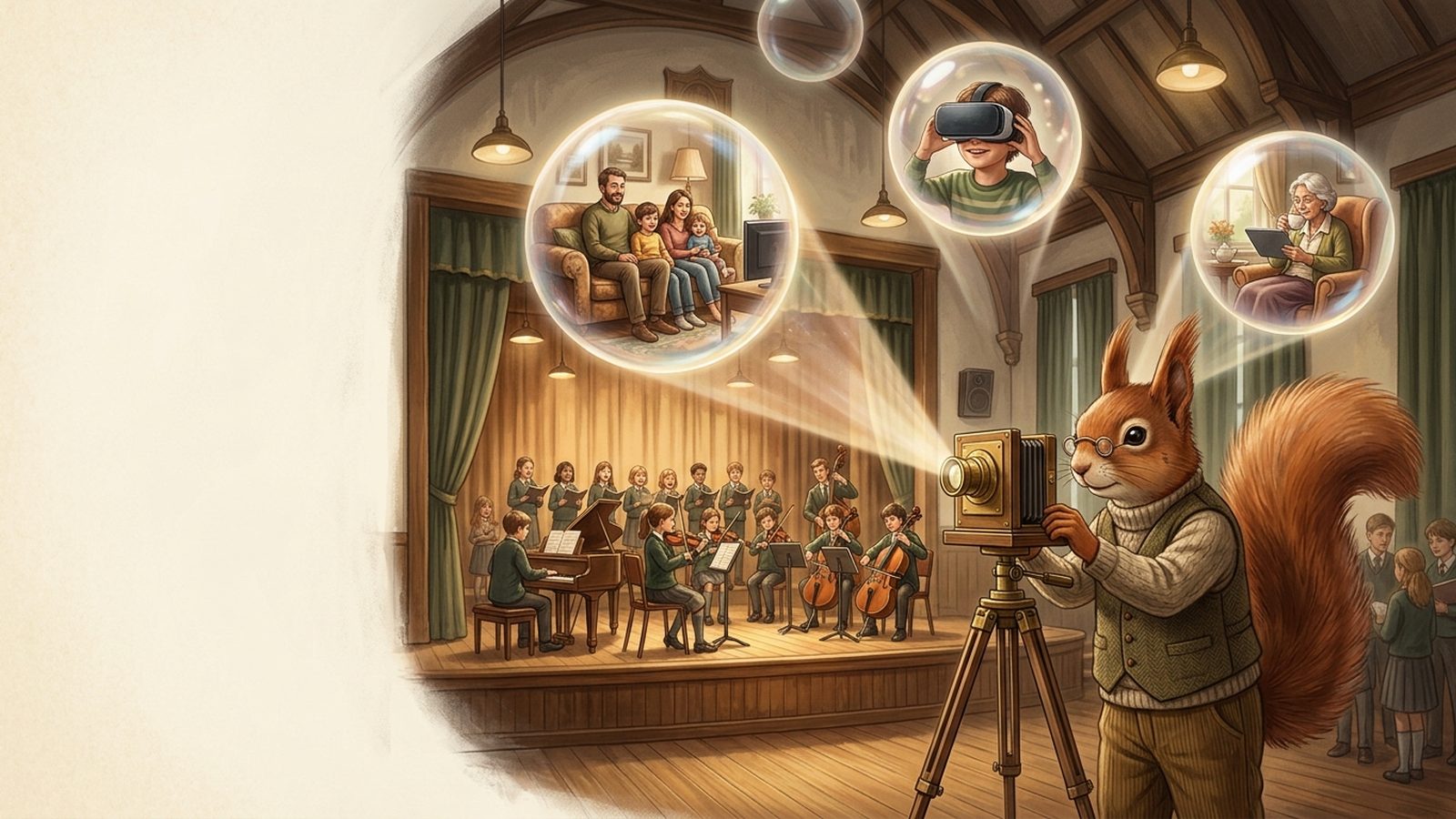
For students: assemblies, guest speakers, inter-school events and virtual excursions — a shared moment every classroom or device can join at once, whether the presenter is down the hall or on the other side of a screen.
For families: concerts, recitals, sports days, graduation — a parent who can't be in the room still watches it live, the moment it happens, without asking the school for a recording afterward.
Nothing broadcasts by default and nothing lingers afterward — every event is a deliberate, temporary choice.
A single camera-and-microphone station at the event is all it takes — no separate crew or equipment per room.
The feed follows the actual audience — as a space fills up, it's added; once it empties, it's dropped, automatically.
Sending the feed into parents' chat groups is a deliberate switch for that event — never a standing subscription no one remembers agreeing to.
Stopping the broadcast releases every room and every camera/microphone immediately — nothing keeps recording in the background.
Let's talk about which concerts, ceremonies and excursions your school wants to open up to everyone who couldn't be in the room.